Leave is time off your manager approves. Availability is the times you can't work, which your manager sees while building the roster. On your phone, swipe the bar at the bottom to find Leave and Availability.
Request leave
Open Leave and tap Request.
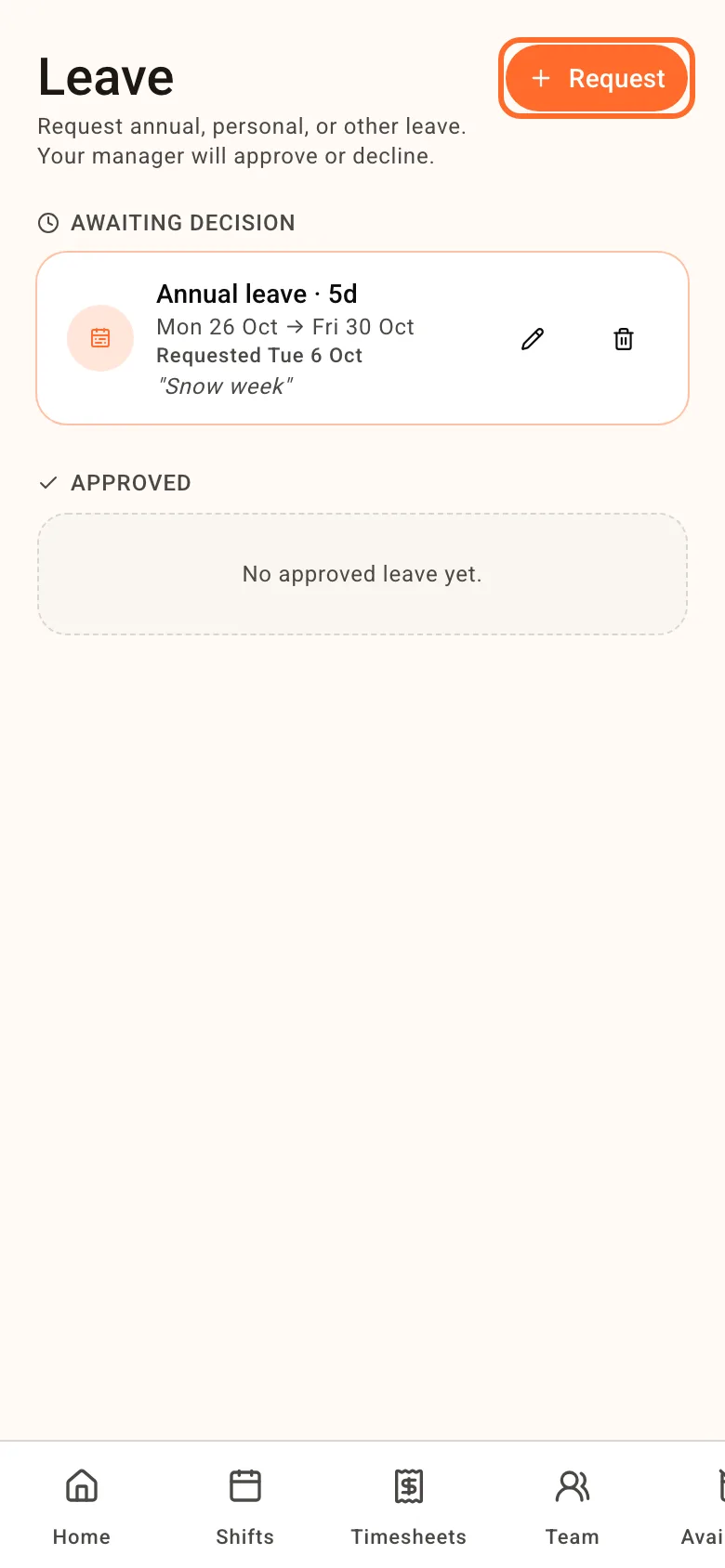
- Request from: if your venue has more than one manager, pick who to ask. Only they're notified, but any manager can approve it.
- Type: Annual leave, Personal / carer's leave, Compassionate leave, Community service leave, Long service leave, Time in lieu or Unpaid leave.
- Leave All day ticked for whole days and pick From and To. For part of a day, untick it and set a Start time and End time.
- Add a comment if you like, then tap Submit.
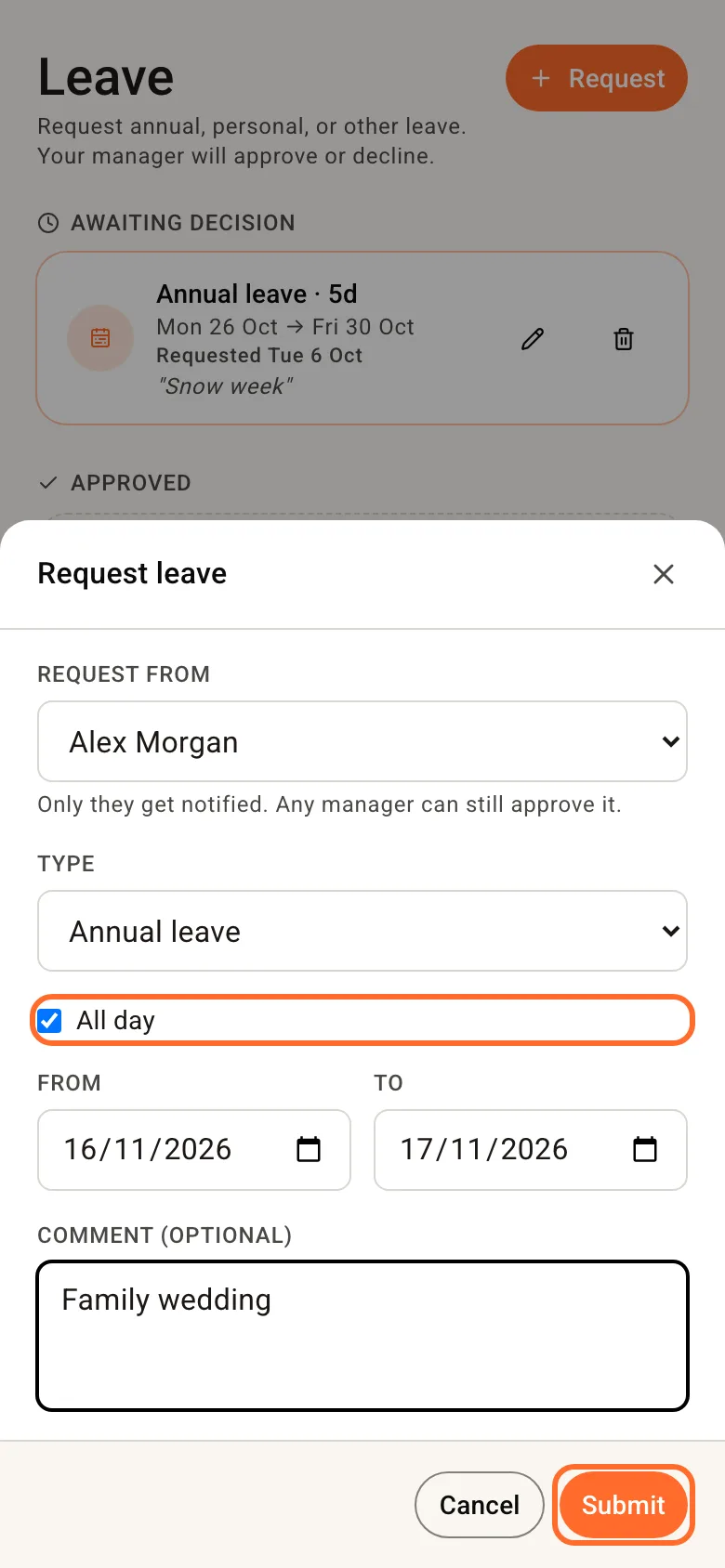
Your request waits under Awaiting decision until your manager approves or declines it.
Some venues limit how many people can be off on the same day. If a day is full, Roster tells you which day and you can pick another. The rules are in Leave requests.
Change or withdraw a request
While it's waiting, tap the pencil to change it, or the bin to withdraw it.
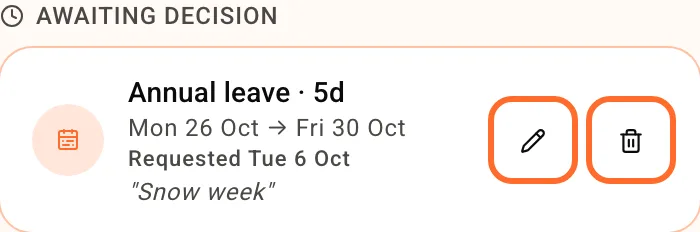
Already approved? The bin cancels it and your manager is told. Any shifts taken off you when it was approved don't come back by themselves, so check with your manager.
Set when you can't work
Open Availability and tap Add.
- Every week: pick the Day, then tick All day or set From and To. Good for a regular class or a second job.
- Time off (dates): pick a Start and End date. Each day counts in full.
Add a reason if you like and tap Save.
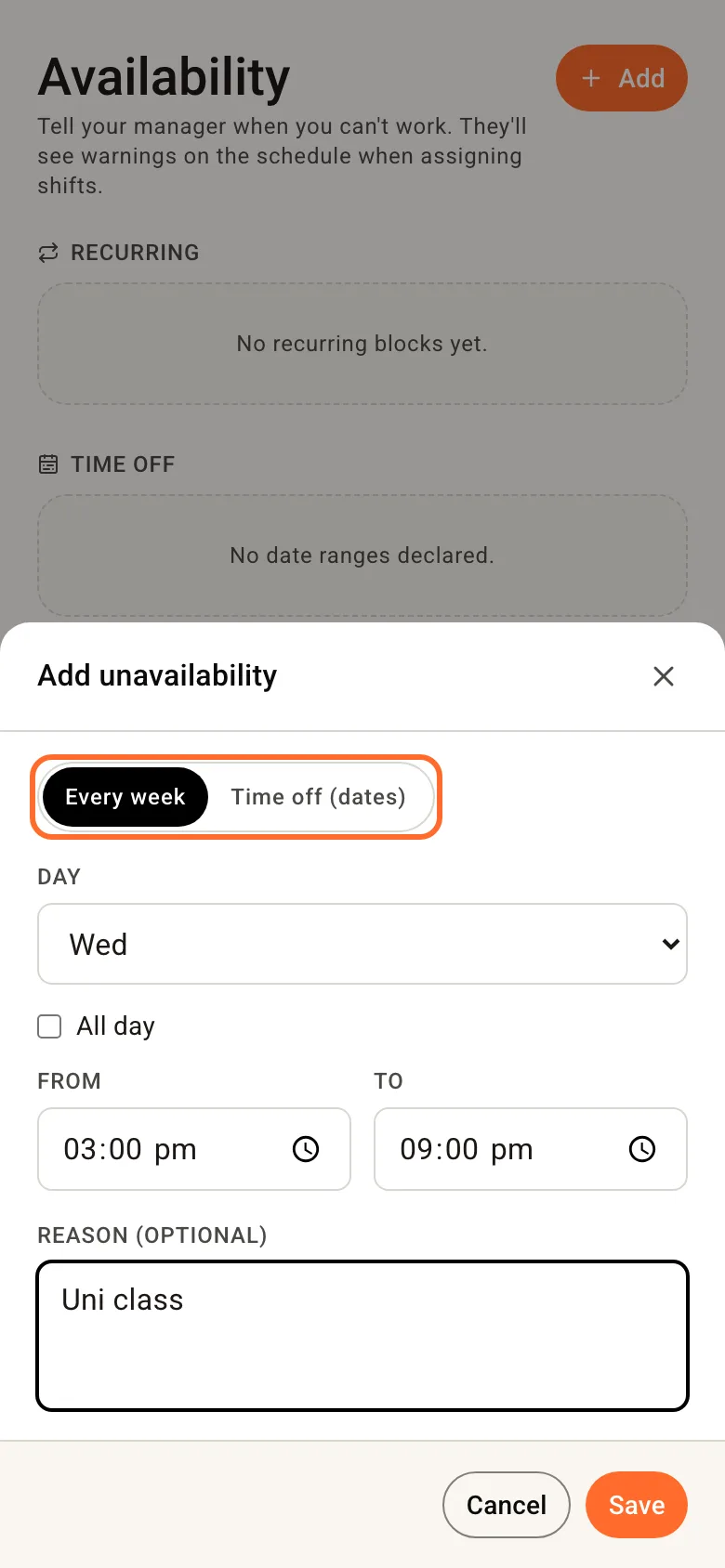
It doesn't need approval. It doesn't stop your manager rostering you either, but they see a warning if they do. To change one, tap the bin next to it and add it again.
Going on holiday? Request it as leave, so your manager can approve it.
Related
- Your shifts
- Leave requests - how approvals work and the limit on people off per day