Enter a full-timer's annual salary and weekly hours on their profile. Roster then costs them at the salary rate, with no overtime or penalties, and never more than one week's salary in a week. If each day they work should cost the same whatever the hours, there is a tick for that: Same cost every day.
Enter the salary
- Open Team and open the person.
- Under Employment & pay, find On a salary?
- Enter their Annual salary ($) and Hours per week.
- If each day they work should cost the same, tick Same cost every day. It appears under the two fields once the salary is in.
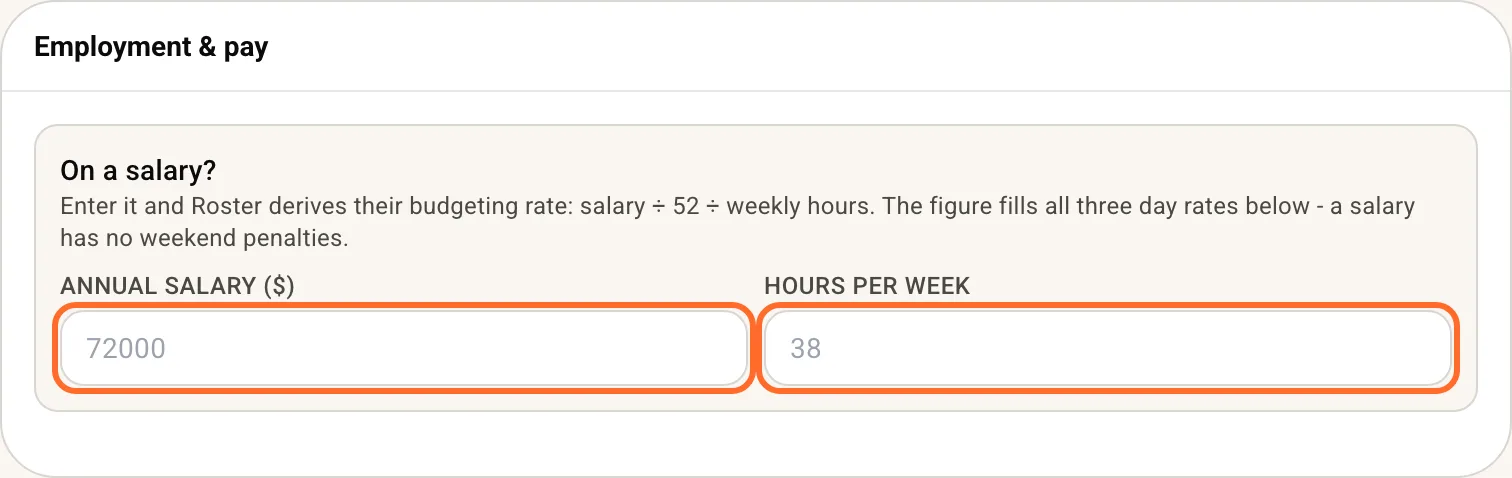
Roster works out their hourly figure (salary, divided by 52 weeks, divided by weekly hours) and fills it into their weekday, Saturday and Sunday rates. If they are paired with Xero, Sync pay rates on the Xero pairing card, or Pull pay rate on their profile, brings both figures across.
What the schedule shows
Take $72,000 a year over 38 hours. That is $1,384.62 a week, or $36.44 an hour. On the Schedule cost overlay and the Labour pages in Insights:
- A shift costs its paid hours at the salary rate. A shift with 4 paid hours costs $145.75, on a Tuesday, a Sunday or a public holiday.
- A week never costs more than one week's salary. Roster them for 47.5 paid hours and the week still costs $1,384.62.
- The week is shared across their shifts by hours. Five 9.5-hour days cost $276.92 each. A longer day takes a bigger share and a shorter day a smaller one.
So out of the box it is a weekly cap, not the same figure on every day. A long day costs more than a short one.
Same cost every day
For someone on an annualised salary, the hours they work on a given day do not change what they cost you. Tick Same cost every day on their profile and Roster costs them that way:
- A week they are rostered in costs exactly one week's salary. $1,384.62, whether you roster 30 hours or 50.
- It is shared equally across the days they work. Rostered five days, each costs $276.92. Rostered four days, each costs $346.15. The hours on the day make no difference. (A day can be a cent more so the week adds up exactly.)
- Two shifts on one day share that day's cost by their hours.
The same week both ways, with a 6-hour Monday and four 10-hour days:
| Monday (6 hours) | Tuesday to Friday (10 hours each) | |
|---|---|---|
| Standard | $180.60 | $301.00 |
| Same cost every day | $276.92 | $276.92 |
Both add up to one week's salary. One thing to expect: a week with a single rostered day shows the whole $1,384.62 on that day. While you build a roster, the first day you add shows the full week until you add the rest.
It is off unless you tick it, and it is set per person.
Good to know
- Full-timers only. A part-timer or casual is costed on their rostered hours, even with a salary entered. So is a full-timer who has an hourly rate and no salary.
- A pending invite cannot hold a salary. Enter it on their profile once they have joined.
- Actual cost in Insights is worked out the same way, from the hours they clocked. With Same cost every day, each day they clock on costs the same share the roster shows for it.
- The week is your Schedule week. Monday to Sunday (Sunday to Saturday in the US), or from your pay cycle's first day if you turned on Start the Schedule's week on the pay cycle's first day in Settings, Business profile. The week on screen is the week the salary is counted over.
- Est. pay on Timesheets and the pay estimate staff see still use the hourly figure, so in a long week they add up to more than the salary.
- Sending their hours to payroll is a separate switch. See Complete a pay run with Xero.